When Copilot Gets Your Name Wrong
by Darren Guenther, CPA, CMA
I’ve been experimenting more with Microsoft Teams meeting transcripts and AI-generated summaries lately. Like many professionals, I’m interested in how tools like Copilot can reduce administrative work and help capture key discussion points without manual note-taking.
For the first few months, it actually worked quite well. Then, seemingly out of nowhere, I ran into a small but persistent problem that had me scratching my head: the AI summaries kept referring to me as "CPA" instead of my actual name.
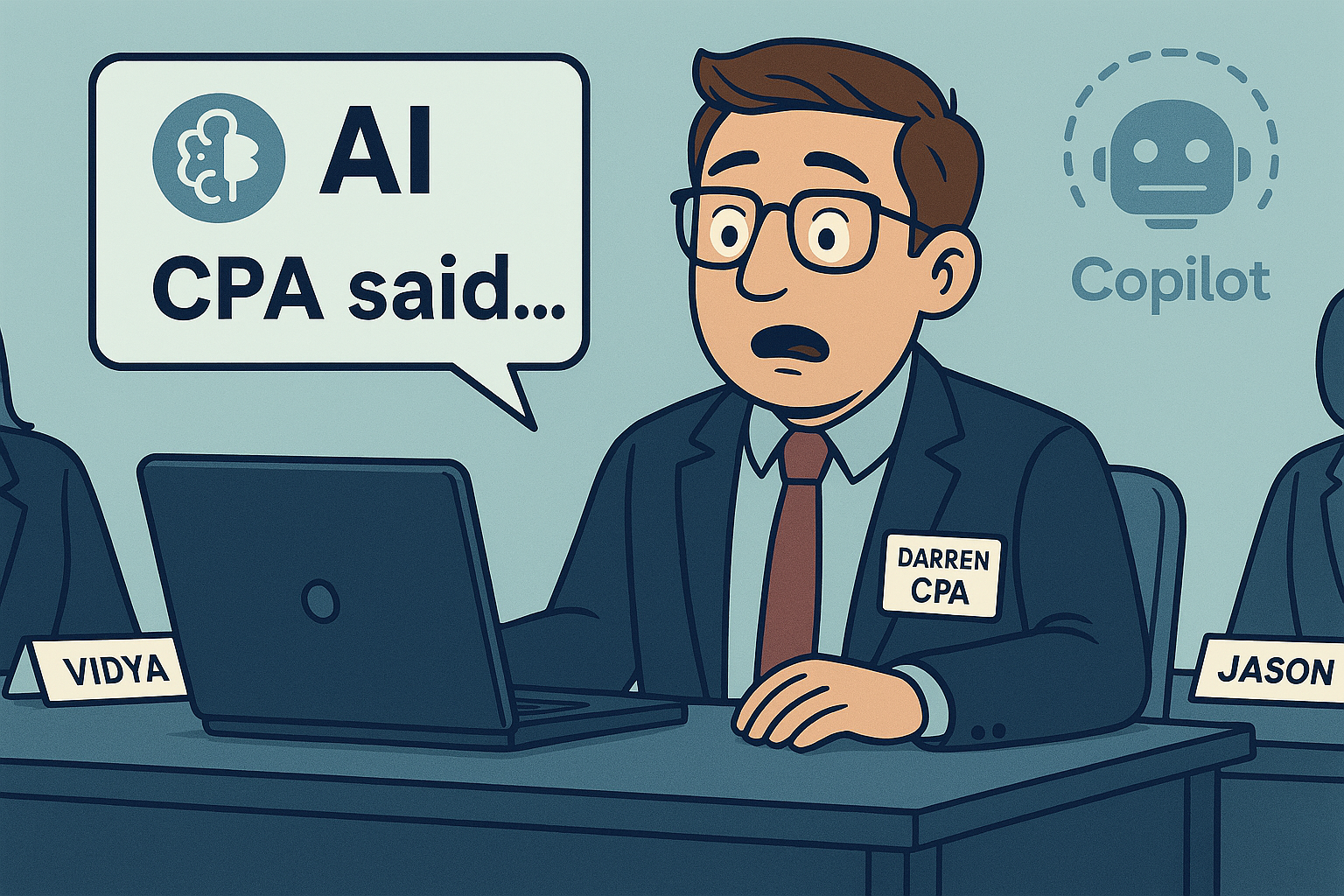
Not “Darren”At first, it was amusing.
Not “Darren Guenther”
Just… "CPA".
Then confusing.
And eventually, mildly annoying—especially when reviewing meeting summaries that read like I was an unnamed credential rather than a person.
As it turns out, this issue is surprisingly common, and it has everything to do with how your name is stored in Microsoft 365.
What’s Actually Happening Behind the Scenes
In Microsoft Teams, your "Display Name" might look perfectly fine on screen. Many professionals include their credentials in their visible name, such as:
Darren Guenther, CPA, CMAVisually, that’s clear and professional. Humans understand it immediately.
AI, however, doesn’t always interpret names the same way humans do.
Microsoft Copilot and Teams meeting summaries rely heavily on underlying identity fields in Microsoft 365 (now Entra ID). When credentials like "CPA" or "CMA" are included directly in the Display Name field, AI models can misinterpret those suffixes as the primary identifier rather than as credentials.
The result?
Speaker attribution becomes inconsistent. Transcripts may assign comments to “CPA”.
AI-generated summaries refer to “CPA said…” instead of using your name.
From an AI’s perspective, it’s not being careless—it’s being literal.
Why Display Name Matters More Than You Think
In Microsoft 365, the Display Name is not just for emails and meetings. It feeds directly into:
If that field is cluttered with credentials, punctuation, or extra descriptors, AI tools can struggle to determine what is actually a person’s name versus a title or designation.
- Teams transcripts
- Copilot meeting summaries
- Search results
- Speaker attribution in recordings
This isn’t really a Copilot “bug.” It’s a data hygiene issue.
The Simple Fix: Clean Up the Display Name
The recommended approach is straightforward:
Use the Display Name for your actual name only
For example: Darren GuentherMove credentials elsewhere. Your credentials still matter, they just don’t belong in the Display Name field. Better places for them include:
This keeps your professional branding intact while giving AI exactly what it needs to work properly.
- Job Title Example: Cloud Accountant | CPA, CMA
- Email signatures
- LinkedIn and professional bios
- Personal or firm websites (where context is clearer)
How to Check (and Change) Your Display Name
You may be able to update this yourself, depending on how your organization is set up.
Start here:
https://myaccount.microsoft.comUnder "Your info", check whether your Display Name is editable.
https://myprofile.microsoft.com
One important caveat...
In many organizations, the Display Name is locked and synchronized from:
If that’s the case, you’ll need to ask IT to update it for you by:
- Microsoft Entra ID (Azure AD)
- An HR or payroll system
Once updated, changes usually propagate within a few hours. Future transcripts and AI summaries should then correctly refer to you by name.
- Removing credentials from the Display Name field
- Leaving only your legal or preferred name
What This Means for AI Going Forward
This experience highlighted something important about working with AI tools in production environments. It’s tempting to say that AI is only as good as the data behind it, but my situation shows that it’s more nuanced than that.
The underlying data hadn’t changed. My "Display Name" was the same one that had worked fine for months. What did change was how Copilot and related AI services interpreted that data. As AI systems evolve, they don’t just rely on static inputs - they rely on continuously updated models, parsing logic, and assumptions about how data should be interpreted. Even small changes in how names, titles, or attributes are processed can produce noticeably different results, without any action from the user. In other words, AI output is shaped by both:
As these tools mature, we should expect occasional shifts like this. It doesn’t mean the tools are unreliable, but it does mean that clean, well-structured identity data gives you a much better chance of consistent results as the software evolves.
- the structure of the data, and
- programming and interpretation logic applied to that data over time
Final Thoughts
I still include my credentials proudly but now I do so in places where the context is clear and helpful. Since cleaning up my "Display Name", Teams transcripts and Copilot summaries have consistently referred to me by name, and the output feels far more polished. If Copilot is calling you "CPA", "CMA", or something equally strange check your "Display Name".